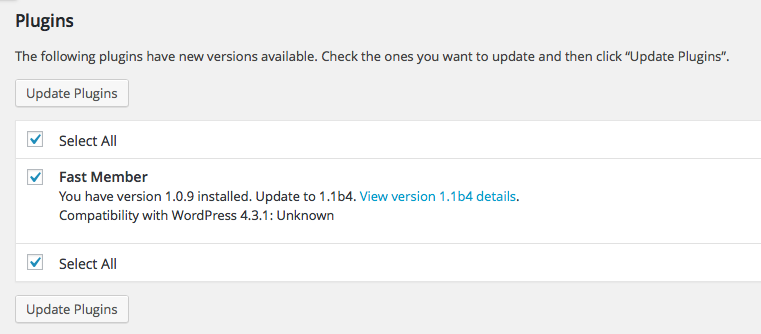
Updating FastMember to the latest beta version is quite straight forward
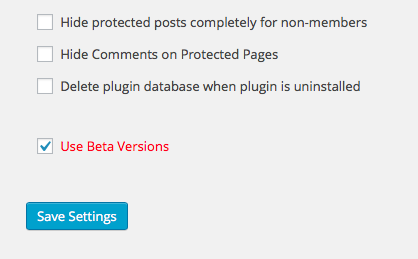
1. Check the box on the settings page under Misc Settings marked ‘Use Beta Versions’
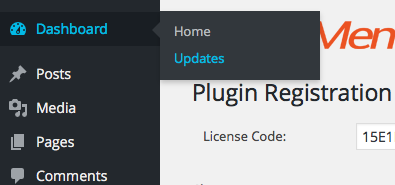
2. Go to Dashboard > Updates
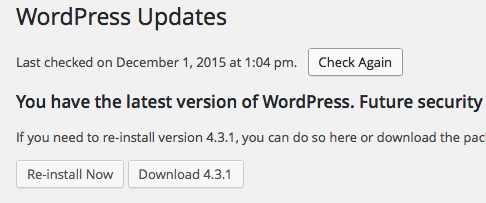
3. Click ‘Check Again’ to check for the latest version of FastMember
4. Select the version of FastMember you wish to update to